For when you're ready to level up your video editing
Yours Free: The Claude Code Setup That Edits Your Videos From Start to Finish
The HyperFrames Setup Guide. My free 11-step walkthrough with copy-paste prompts.
Get Claude to do the cutting, captioning and animating in your videos, from 30-second Reels to long-form YouTube videos.
- Step-by-step guide
- $0, free
- Instant, by email
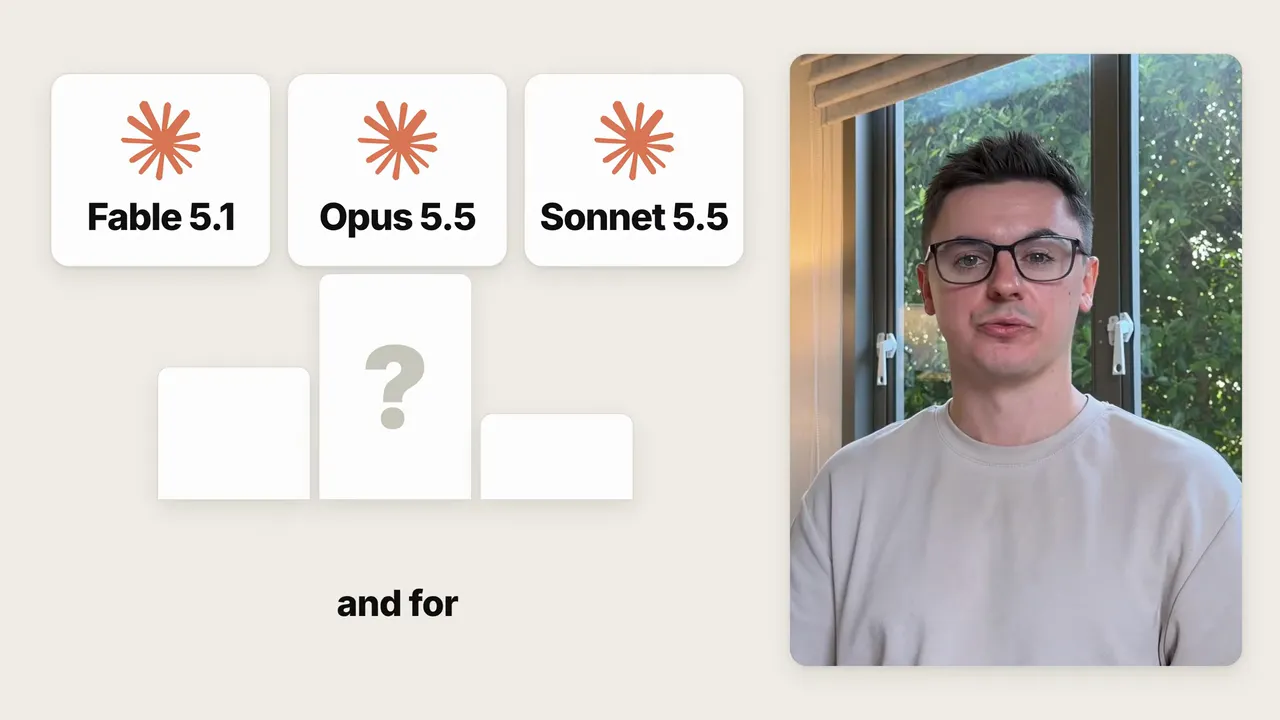
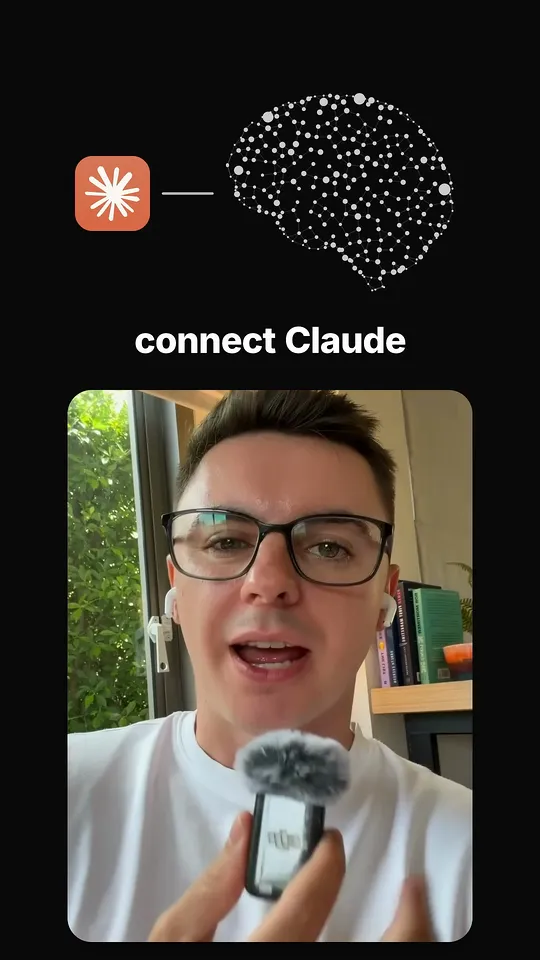
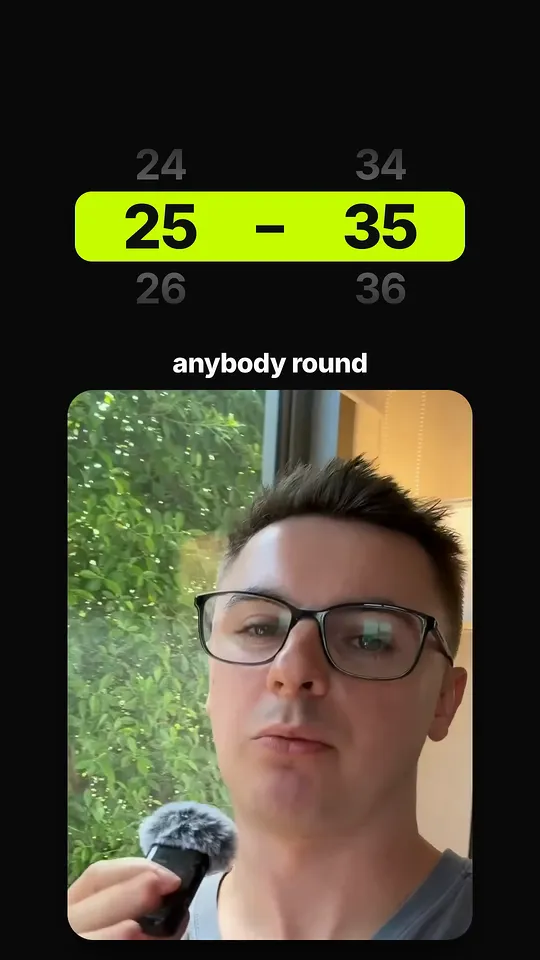
Short-form or long-form, Claude edits both
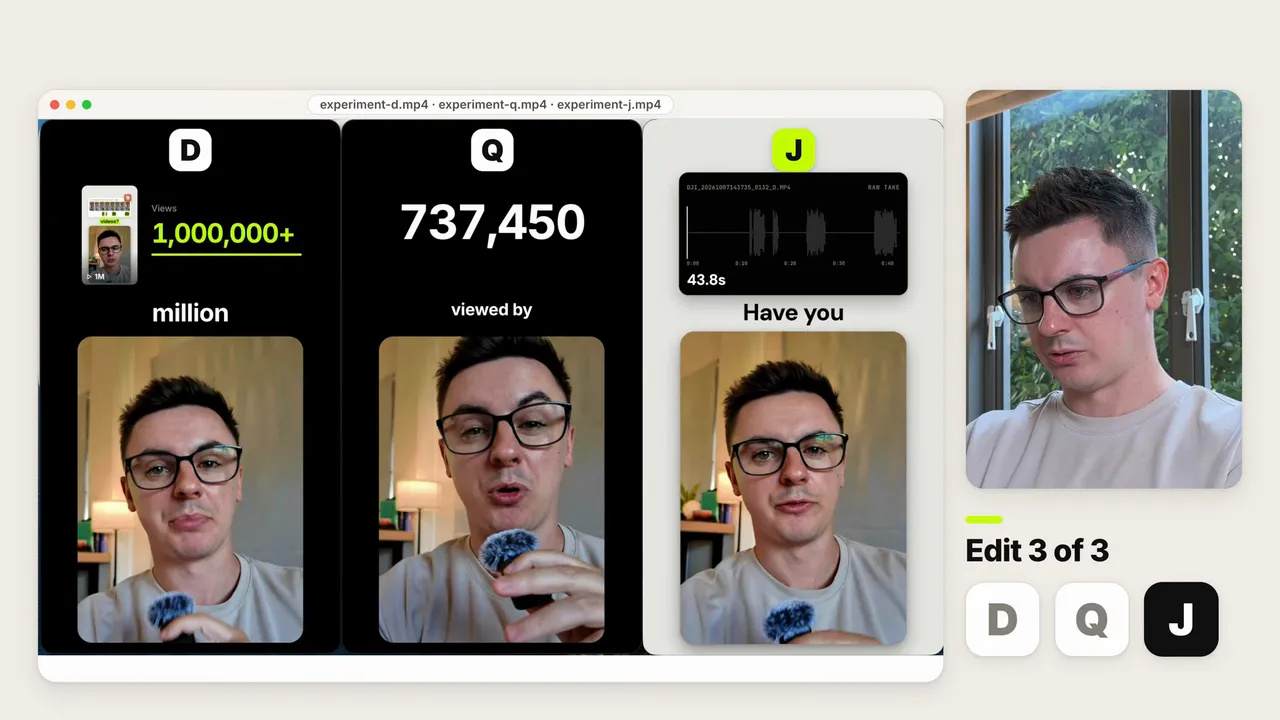
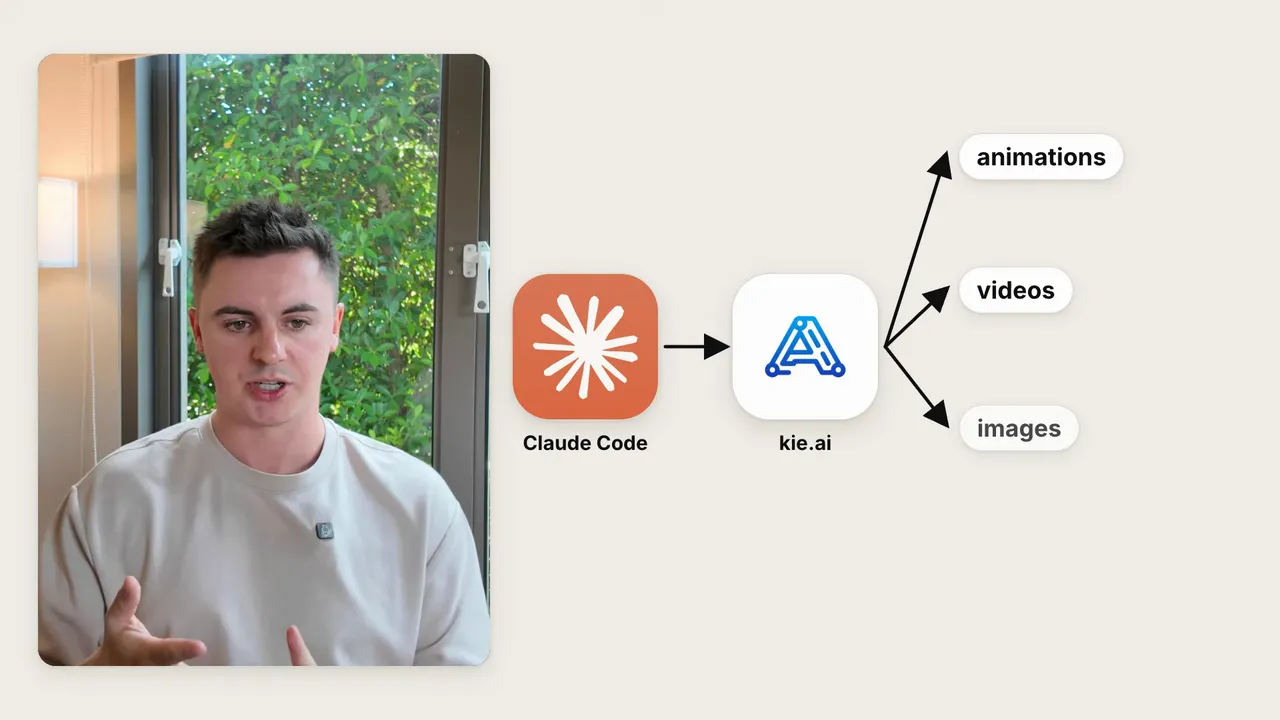
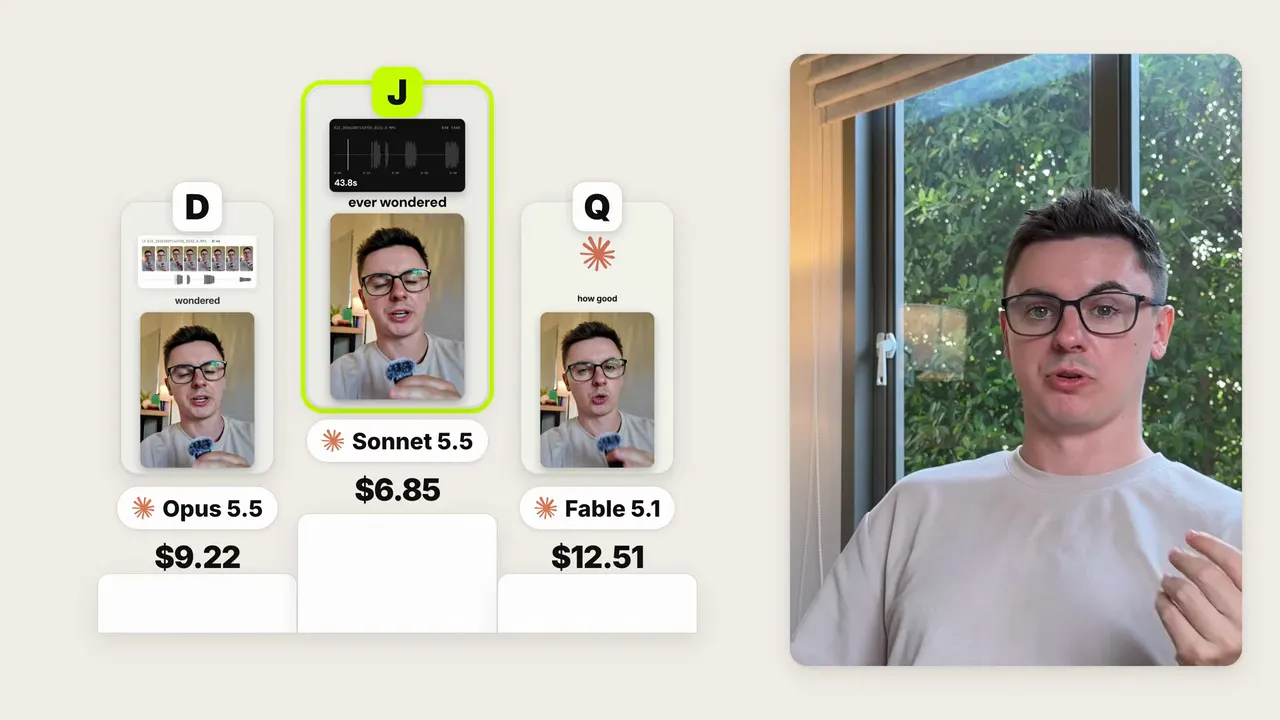
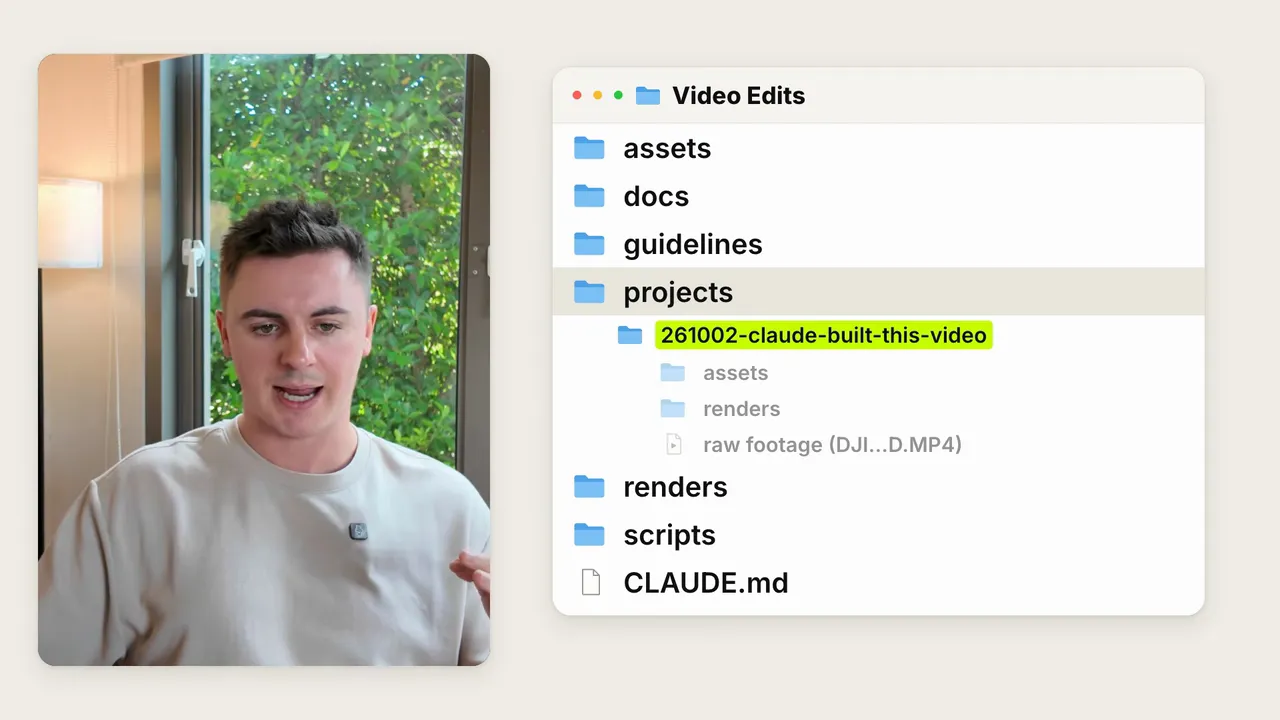
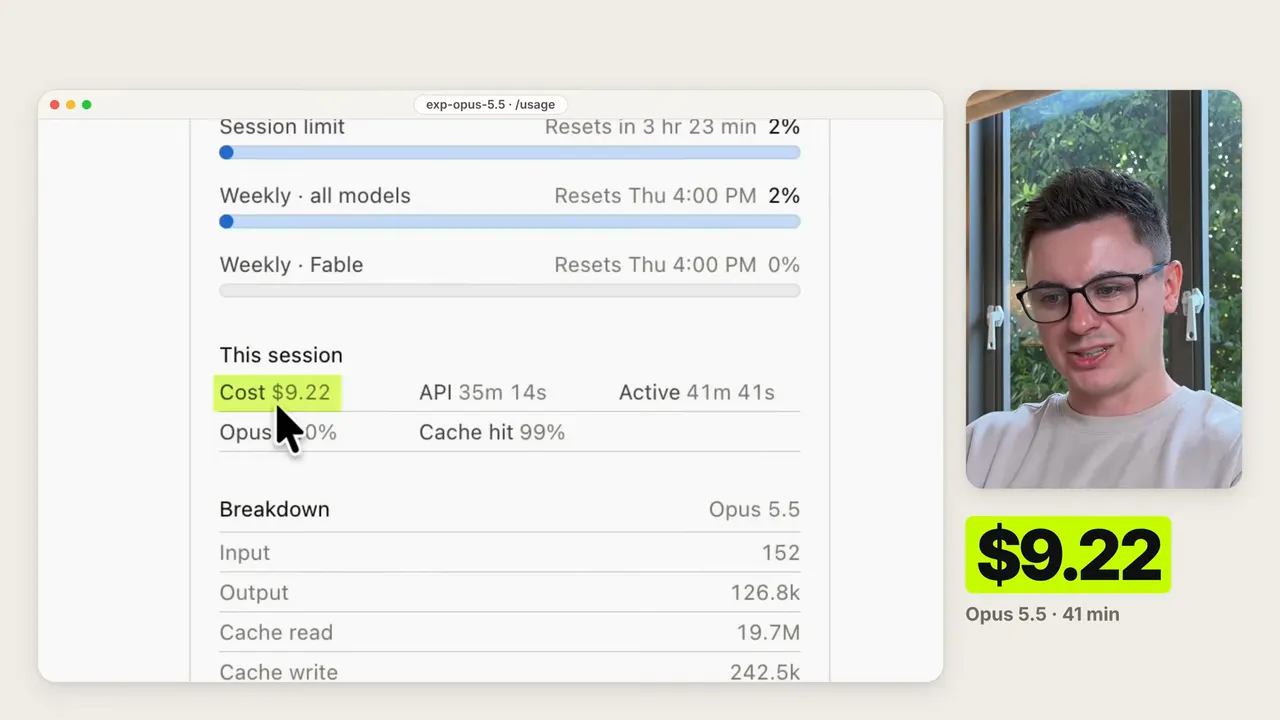
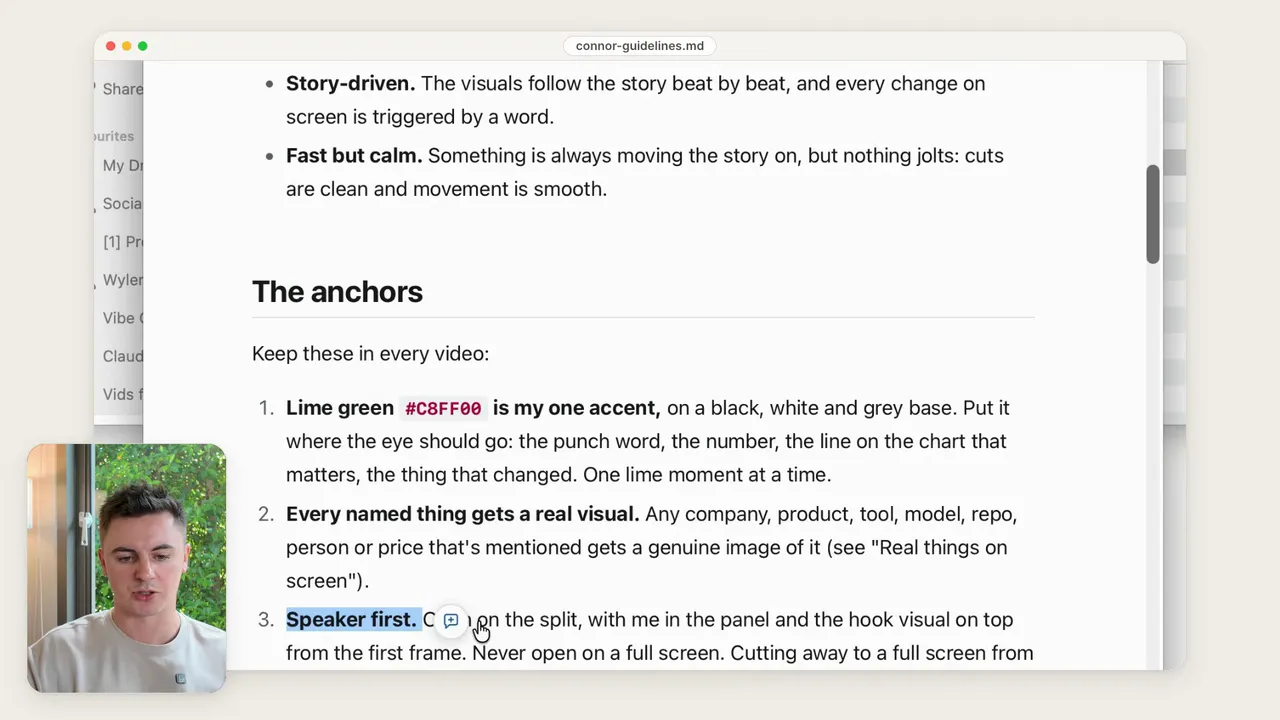
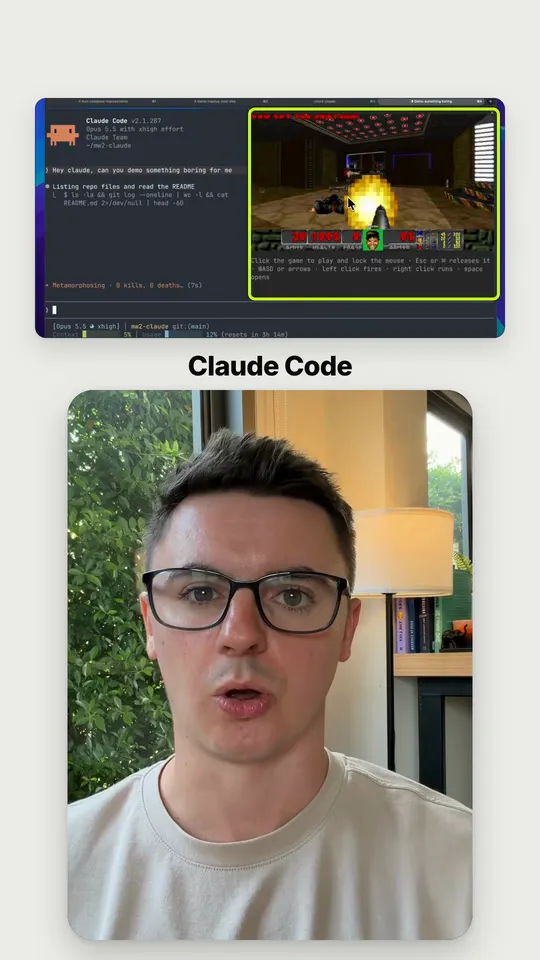
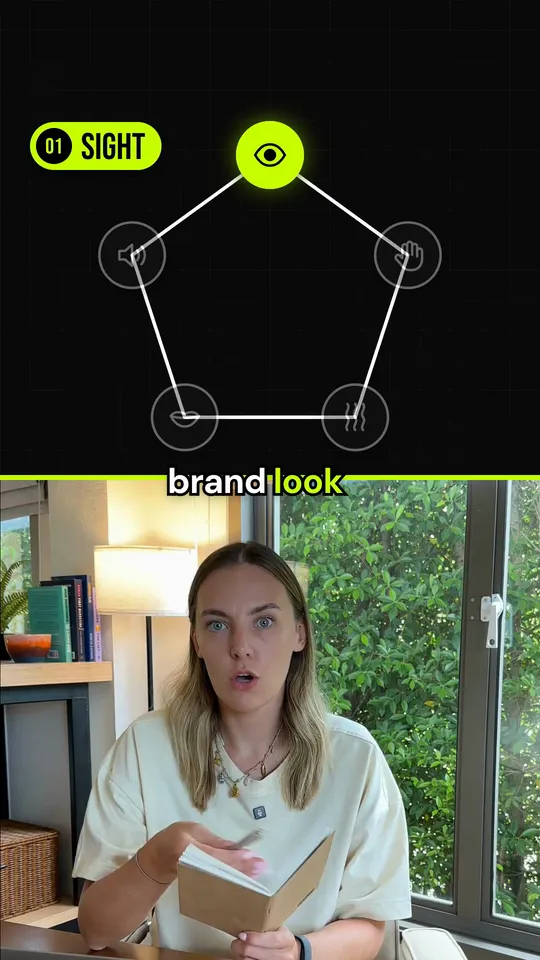
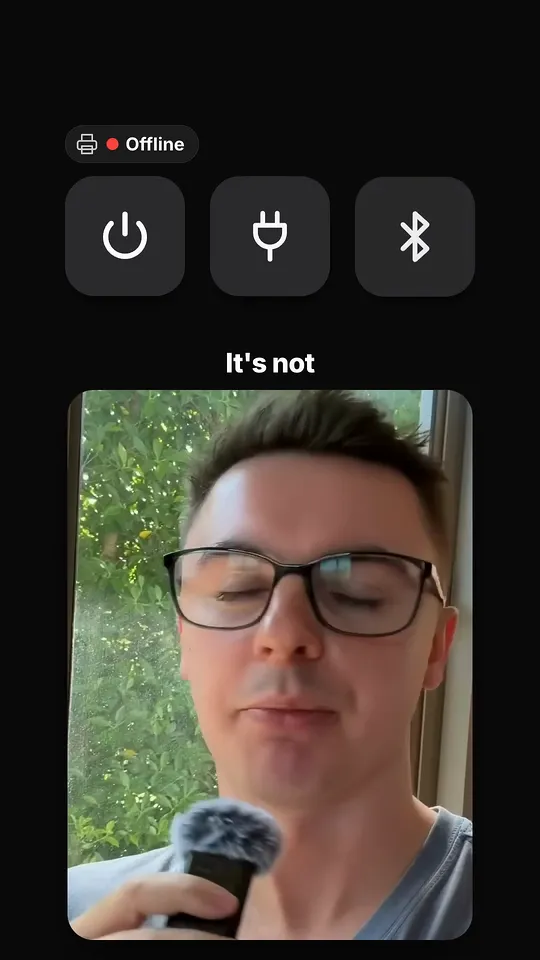
Every frame here is from a real video edited in this setup: Reels and Shorts for my agency, and long-form YouTube for my channel. The diagrams, logo scenes, animated cards and captions were all built by Claude.
Long-form YouTube, 16:9
Short-form Reels, TikTok and Shorts, 9:16
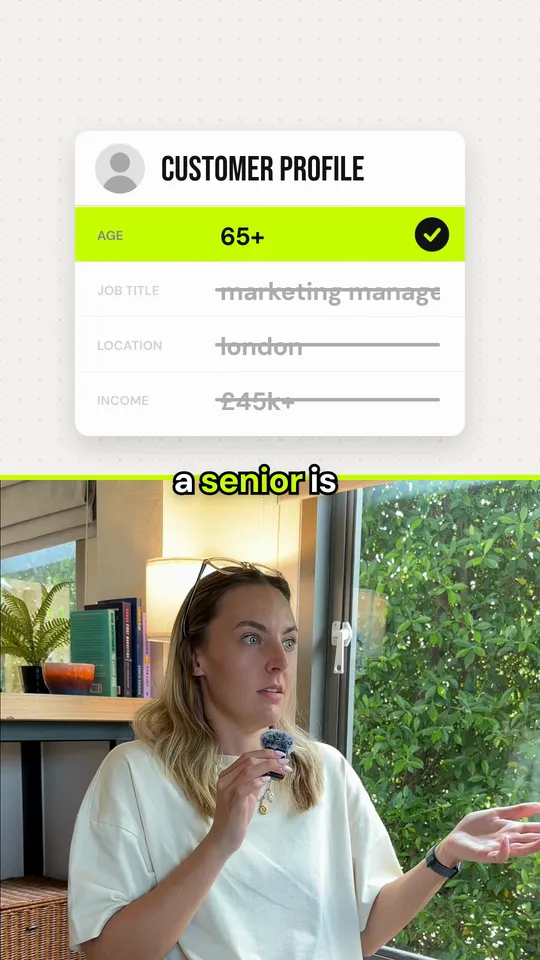
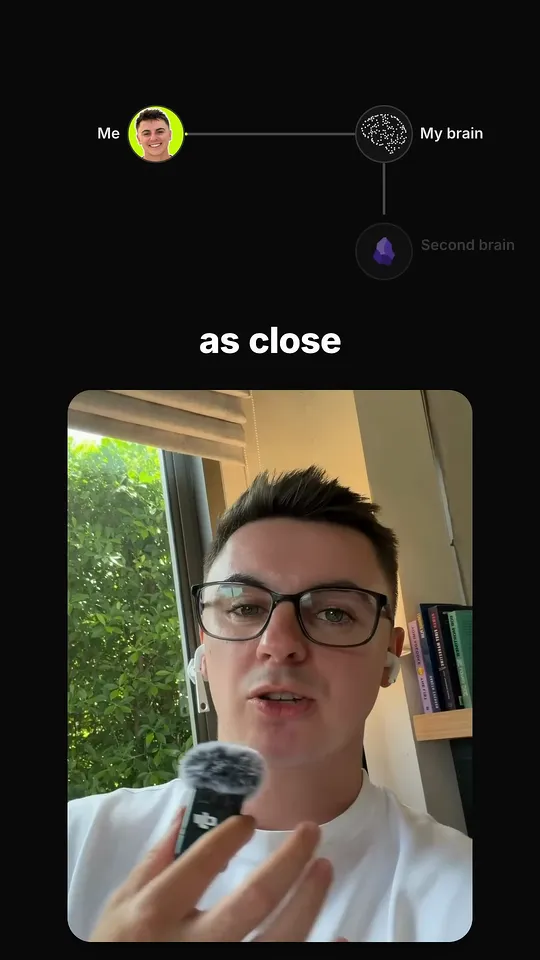
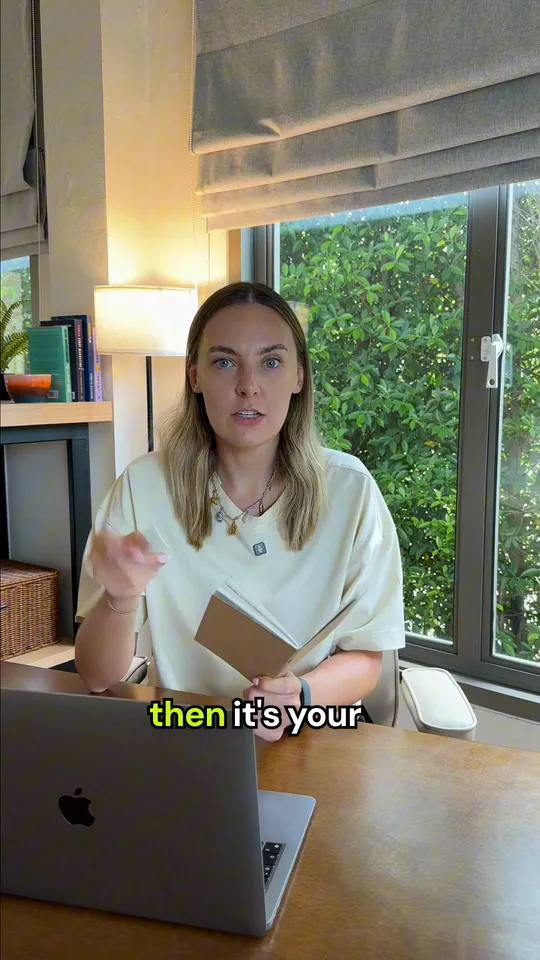
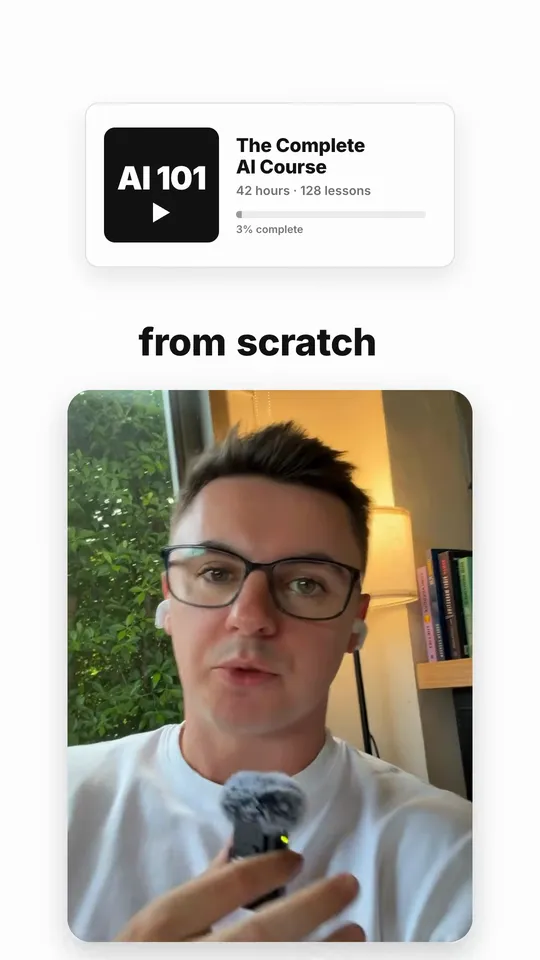
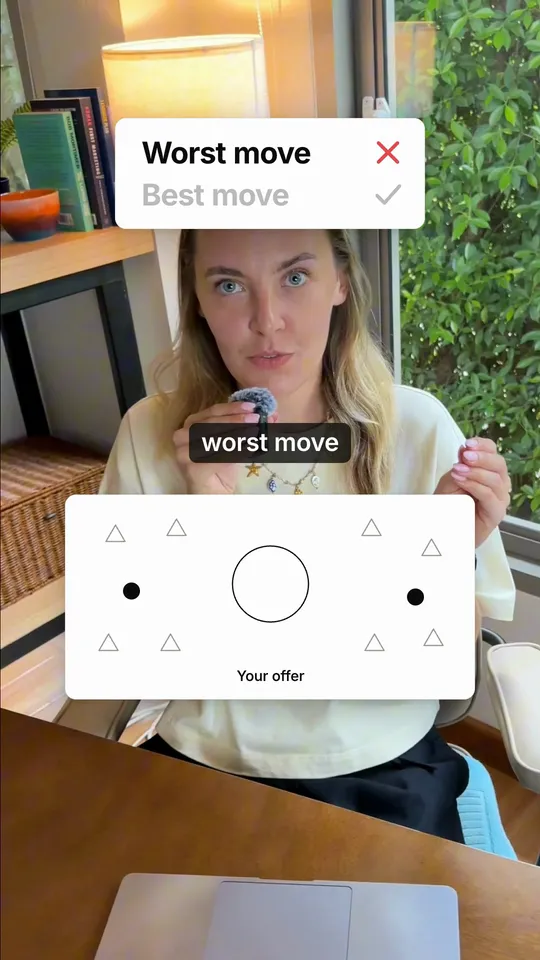
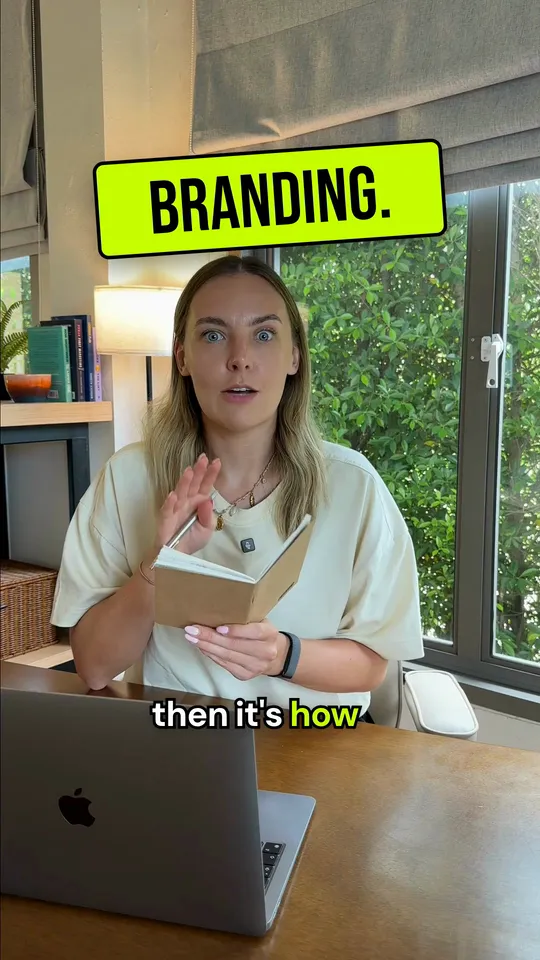
The exact setup I use to get Claude editing my videos
The guide is free. To follow it you'll need a paid Claude plan and about $5–10 of kie.ai credit for AI images and clips. ElevenLabs is optional, and its free plan covers it.
- Up and running in an hourThe one-line install that gives Claude a full kit of video skills, and the house rules it reads before it touches anything.
- Short-form and long-formCaptions timed to your exact words, jump cuts found from the audio, and AI b-roll for a few cents a clip.
- Edits that look like yoursFind your editing style in an afternoon with one test clip. Claude follows it on every video after that.

Hey, I'm Connor.
I run Wyler Marketing, a marketing agency in the UK, and most of my work runs through Claude now. Editing was the last thing I was still doing by hand, so I built a workspace where Claude does it.
This guide is that workspace, step by step, with every prompt I used. No course, no upsell: copy it, then make it yours.